Regardless of your plan, you can register inventory movements and track item transfers within the warehouse.
You can also create a transit location if your items pass through a fixed, temporary location—for example during picking, packing, or shipping. This allows you to:
1. perform external inventory transfers
2. track ongoing orders
3. maintain a clear overview of how items move through your warehouse
The difference between Basic, Premium, and Premium+
The location feature adapts to your subscription and your need for detail.
Basic: locations on one level
With the Basic plan, you can:
– create warehouse locations on a single level
– keep track of product placement and inventory levels
– move items between locations
– generate reports per location
This is ideal if you have a smaller or more manageable warehouse and do not need further subdivision.
Premium & Premium+: locations on up to 3 levels
With Premium and Premium+, you can work with sub-locations and a more detailed warehouse structure.
You can:
– create warehouse locations with up to three levels
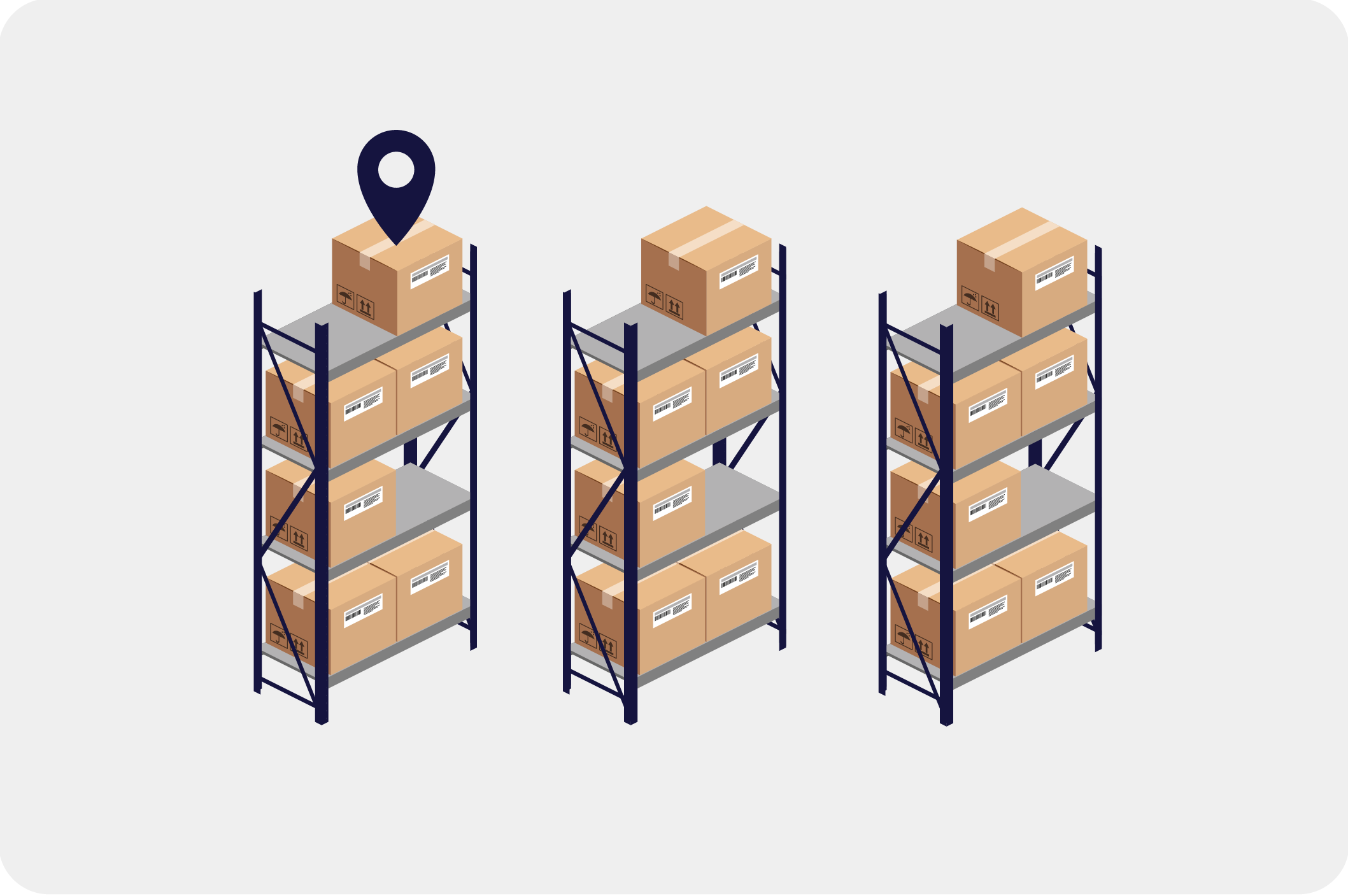
– structure your warehouse, for example: warehouse → rack → shelf / row
– track product placement down to shelf level
– maintain full visibility of inventory movements and stock levels
This is especially valuable if you manage many products, operate larger warehouses, or need precise picking and fast handling.